
.png)
.png)


.png)
.png)


Synapse AI Workstations — Run Local AI, On Your Terms
Most local AI infrastructure is about escaping the cloud. Chillblast Synapse AI PCs are bigger than that. Running the world's most capable open-source models at the scale serious teams demand.
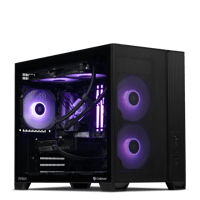
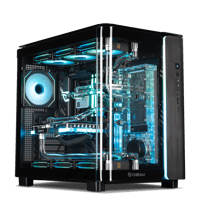
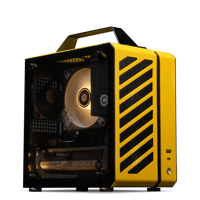
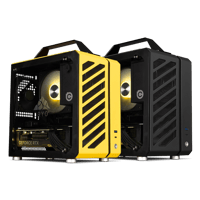
Three machines, hand-built in the UK, that each pay for themselves against the cloud bill they replace. After that, every prompt, every fine-tune, every experiment costs zero.
Each one answers the same question - what would it take to stop renting AI - for a different scale of operator.


Run models that know your business
Foundation models know almost nothing about you. For good reason.
Every prompt leaves the building, and every experiment has a cost attached. Synapse workstations are built for the point where that stops making sense.
Your models run locally, privately, on hardware you own. No dependency on a service that can change its pricing tomorrow.
Data sovereignity
Every inference call, every training run, every fine-tune checkpoint processed and stored on hardware inside your network perimeter.
Your model weights don't touch a third-party GPU. Your training data doesn't transit a cloud region. Your prompts aren't logged by a provider whose retention policy you don't control.
No data processor agreements. No third-party sub-processors. No exposure.
Data agents
Run complex, multi-step data pipelines across your entire organisation: reporting, forecasting, and insight generation serving your whole team concurrently.

Employee agents
Trained on everything your organisation knows, serving concurrent users with answers that smaller models can't match.

Security agents
Run continuous threat detection and response across your infrastructure, at the quality level where real-time decisions can be trusted.

Customer agents
Handle high volumes of customer requests concurrently while surfacing trends and patterns across your entire interaction history.
Development agents
Fine-tune on your codebase, to generate, review, and document at a quality level that changes how fast your team ships.

Creative agents
Generate production-quality text and images at scale, serving your whole team concurrently, on a model trained on your brand.
Built for your workload
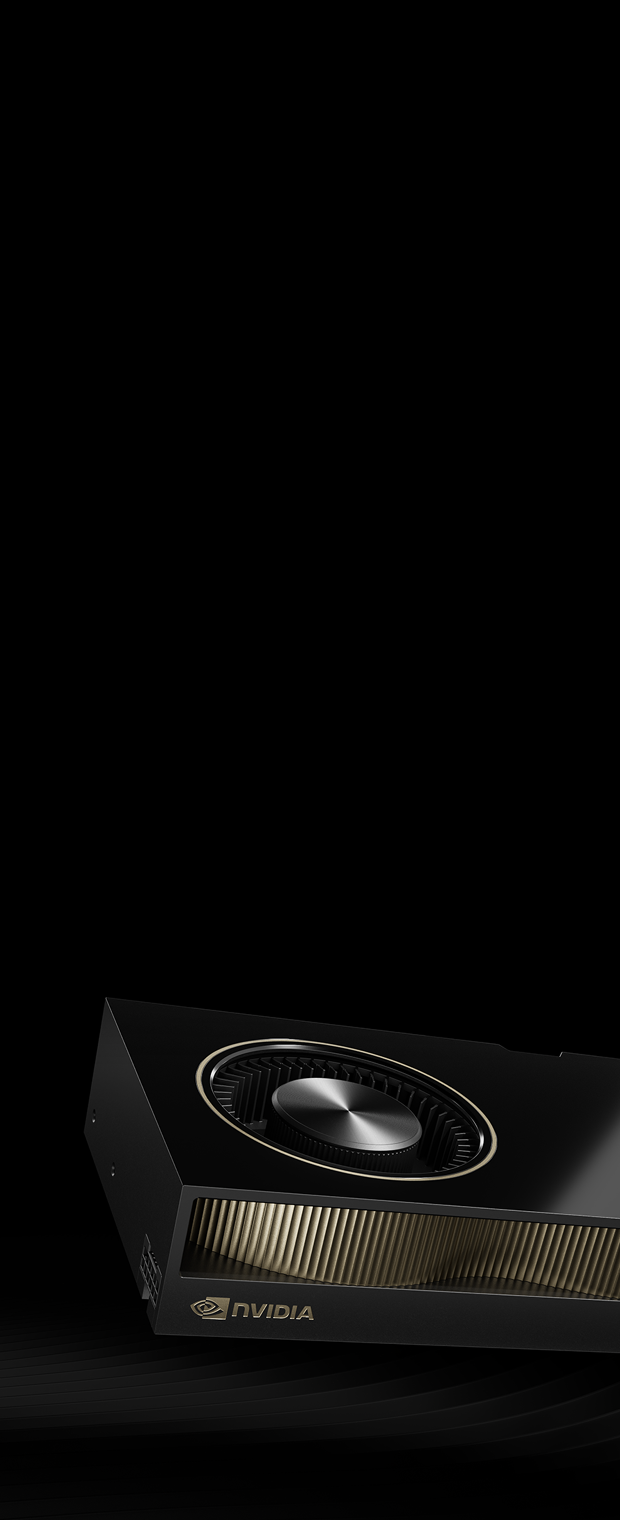
The RTX Pro Blackwell graphics cards are built specifically for AI performance. They are specified to run the models serious teams actually use, at the concurrency serious teams actually need.
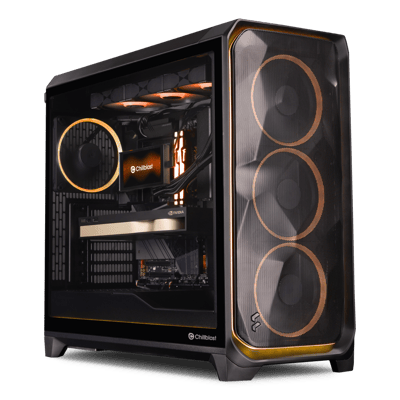
£10,999.99
From £261.64 per month
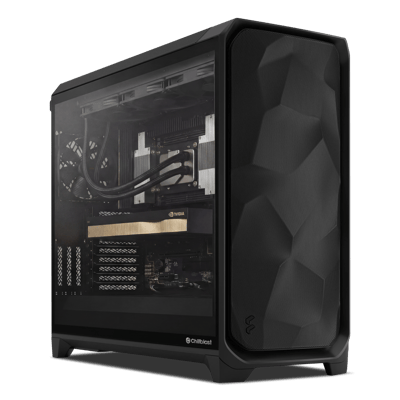
£20,999.99
From £1,130.53 per month
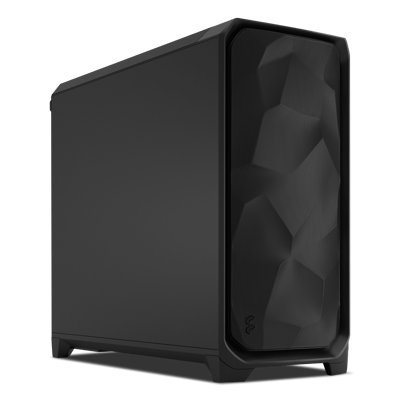
Synapse Frontier AI Workstation
£44,999.99
Our support service helps you get up and running, from hardware to your first models.
What they run
Models, precision, and tokens per second. What you can actually run on each machine, at what precision, at what speed.
Inference
| Model | Precision | VRAM | Node 32GB · RTX 4500 | Synapse 48GB · RTX 5000 | Frontier 96GB · RTX 6000 |
|---|---|---|---|---|---|
| Llama 3 / Qwen 8B Drafting, summarisation, agents | FP16 | ~16 GB | 180 tok/s · 32 users | 220 tok/s · 64 users | 240 tok/s · 128 users |
| Llama 3 / Qwen 32B Production-quality reasoning | Q8 | ~34 GB | 55 tok/s · 4 users | 80 tok/s · 12 users | 110 tok/s · 32 users |
| Llama 3.3 70B Frontier-class open model | Q4 | ~40 GB | ~15 tok/s · CPU offload | 50–70 tok/s · 4 users | 90–110 tok/s · 12 users |
| Llama 3.3 70B | FP8 | ~70 GB | won't fit | 35 tok/s · 2 users | 60 tok/s · 6 users |
| Llama 3.3 70B | FP16 | ~140 GB | won't fit | won't fit (single GPU) | ~32 tok/s · partial offload |
| Llama 3.1 405B Frontier open model | Q4 | ~230 GB | won't fit | won't fit | 8–12 tok/s · CPU offload |
Fine Tuning
| Task | Method | VRAM Req. | Node 32GB · RTX 4500 | Synapse 48GB · RTX 5000 | Frontier 96GB · RTX 6000 |
|---|---|---|---|---|---|
| LoRA fine-tune, 70B QLoRA representative dataset | QLoRA | — | not viable | ~20 hours | ~10 hours |
| Full fine-tune, 30B Gradient checkpointing | Native | — | no | possible | native |
Image Generation
| Model | Precision | VRAM | Node 32GB · RTX 4500 | Synapse 48GB · RTX 5000 | Frontier 96GB · RTX 6000 |
|---|---|---|---|---|---|
| Stable Diffusion 3 / Flux | FP16 | ~24 GB | ~1.2s / img · 2,400 phr | 0.9s / img · 3,800 phr | 0.7s / img · 4,800 phr |
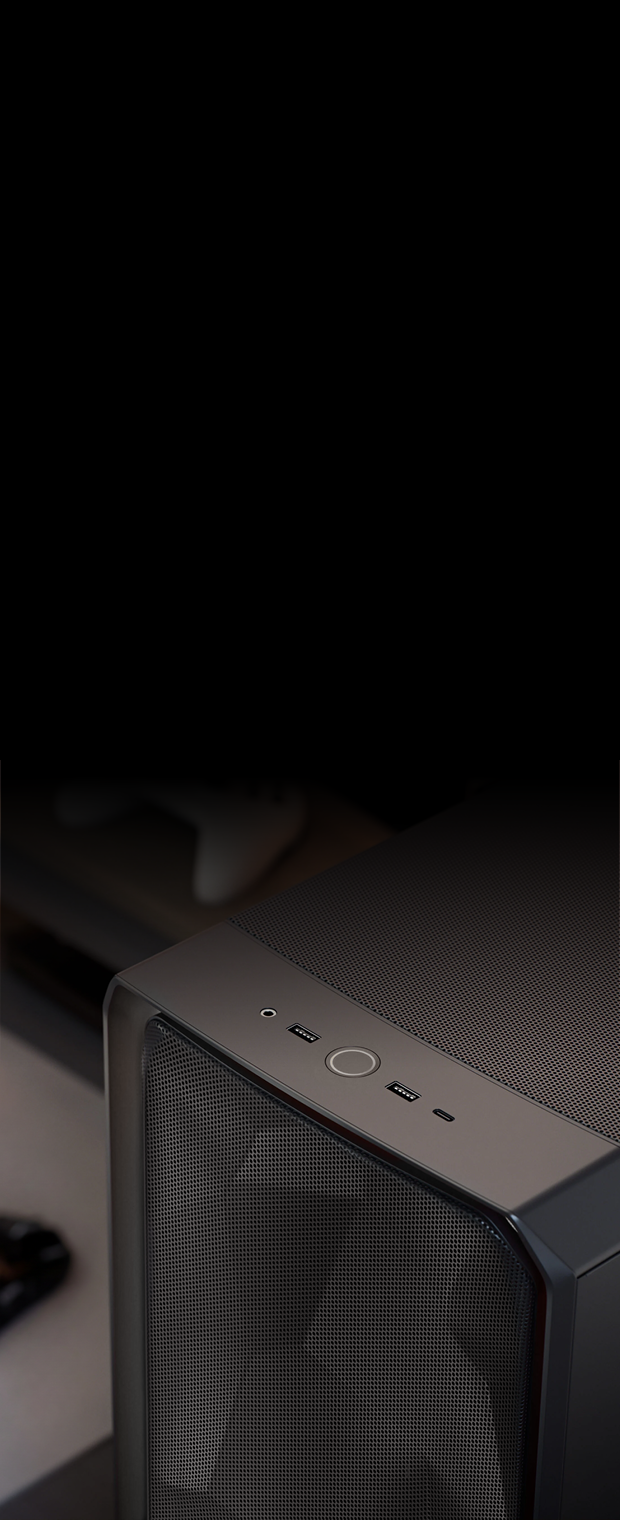
Yours alone
Most AI work happens on borrowed infrastructure. Every prompt leaves the building, and every experiment has a cost attached.
Synapse Workstations are built for the point where that stops making sense.
Your models run locally, privately, on hardware you own. No dependency on a service that can change its pricing tomorrow.
From operating expense to capital asset
| Cost Driver |
Node
Solo developer or researcher
|
Nexus
Team of 5–15 sharing infra
|
Frontier
AI product team / ML group
|
|---|---|---|---|
| API Spend | £4,800 Claude/GPT heavy use | £12,000 Team development usage | £24,000 Non-production work |
| Cloud GPU (Exp/Fine-tune) | £1,370 ~60 hrs/mo RunPod | £16,000 Rental + Fine-tuning | £9,100 ~400 hrs/mo tuning |
| Production Inference | — | — | £32,900 2x H100 24/7 |
| Annual Spend Displaced | £6,470 | £28,000 | £66,000 |
| Estimated Payback | ~15 Months | ~9 Months | ~7 Months |
Note: Heavier usage shortens payback materially. For Frontier operators running 24/7 production, payback can drop to 5 months, after which the marginal cost per inference call is reduced purely to electricity.

Errors caught before they reach your model
Error-correcting memory built for model training that can't afford to fail.
Silent memory errors aren't caught by consumer hardware, and can invalidate a result without warning. You won't know until it's too late.
Error-correcting memory detects and corrects single-bit errors in real time. Every byte that passes through is checked, and every error is fixed. Automatically. In real time.
Configuration support service
Getting a workstation running is one thing. Getting it running the right models, configured for your team's workflows, with inference serving that's ready for production is another.
Our setup service covers the full stack. You tell us what you need to run. We make sure it runs.
Hardware commissioning
Software environment

Model selection

Model deployment

Testing and benchmarking

How much VRAM do I need to run a model?
The memory a model needs for its weights is its parameter count multiplied by bits per weight, divided by eight, plus room for the context window. A 70B model needs about 35GB at 4-bit, 70GB at 8-bit and 140GB at 16-bit. Smaller models scale down by the same sums: a 13B model needs about 6GB, 13GB and 26GB.
Bits per weight is the model's precision. Lower precision, called quantisation, saves memory at some cost in output quality, and that cost varies by model and by task. The same arithmetic gives a 7B model at about 3.5GB, 7GB and 14GB, and a 30B model at about 15GB, 30GB and 60GB. The context window is the text a model holds while working, and it grows with longer prompts and with more users, so spare video memory beyond the weights is what decides whether a machine is comfortable or cramped.
| 16GB VRAM |
13B Model at 4-bit
|
View details | View product | ||
| 32GB VRAM |
30B Model at 4-bit
|
View details | View product | ||
| 48GB VRAM |
70B Model at 4-bit
|
View details | View product | ||
| 96GB VRAM |
120B Model at 4-bit
|
View details | View product |