
.png)
.png)
 (Custom).png)
.png)
Windows 10 Is Running Out of Time – Here’s Why Windows 11 Is the Future
September 25, 2025
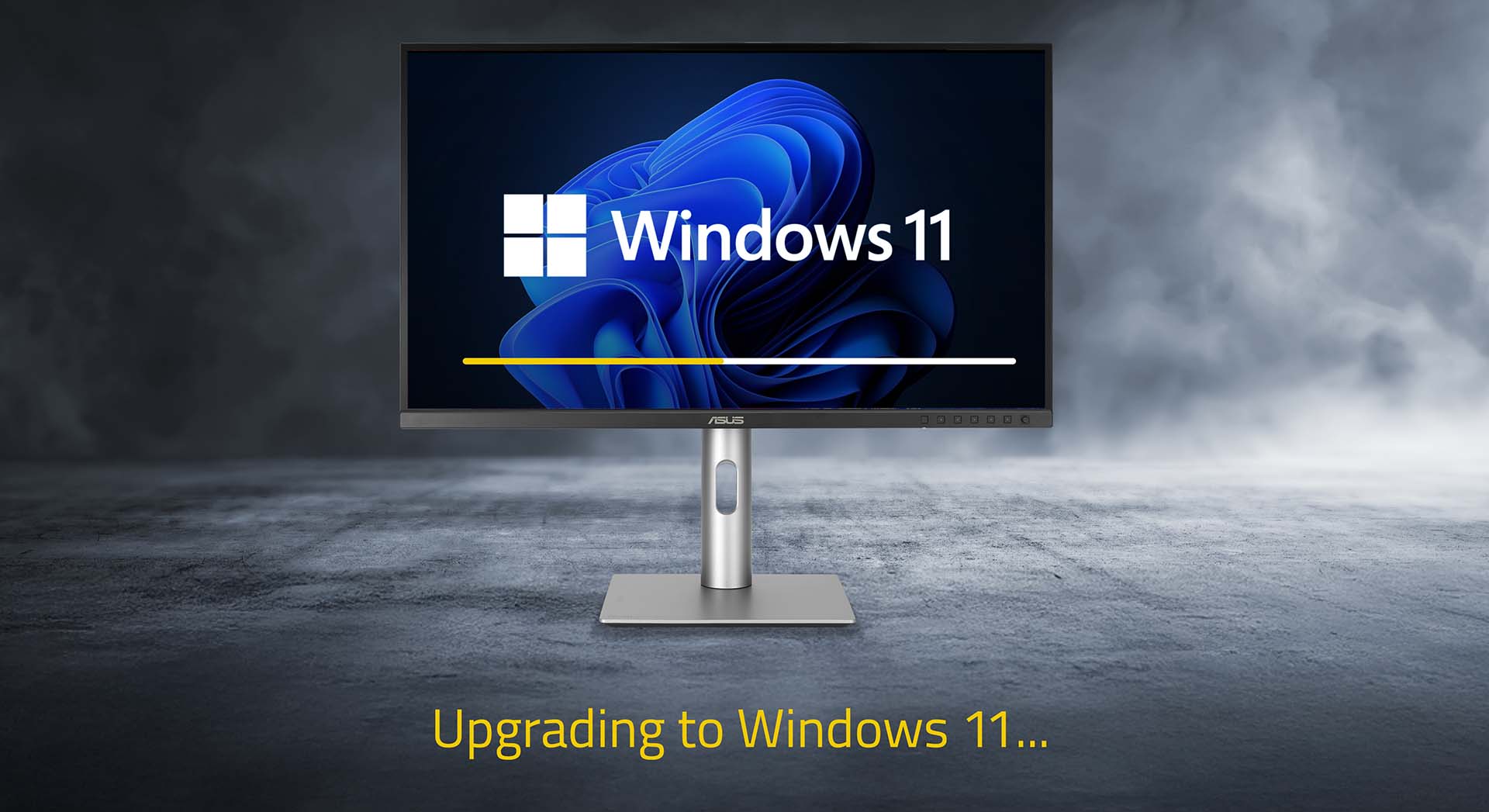
Introduction
If you’ve seen the headlines, you’ll know that support for Windows 10 is ending next month. For many of us, that raises the question: what does that actually mean for my PC?
The good news is your computer won’t suddenly stop working on the big day. You’ll still be able to browse the web, play games, or edit photos. But behind the scenes, something important changes — and it’s worth understanding so you can prepare.
That’s where this blog comes in. We’ll explain in simple, no-jargon terms what the end of Windows 10 support really means, why Windows 11 is worth upgrading to, and how to check if your current PC can handle it. And if it can’t? Don’t worry — further down you’ll see Chillblast’s full range of Windows 11-ready PCs, designed for every type of user, from everyday home setups to high-performance gaming, simulation, and creative workstations.
So whether you’re here to learn more about Windows or you’re already thinking about your next PC upgrade, this guide will walk you through everything you need to know — and show you exactly how Chillblast can help.
What does “Windows 10 support ending” actually mean?
When Microsoft says they’re ending “support” for Windows 10, they’re not talking about pulling the plug on your PC. What they mean is:
- No more security updates. These are the small patches that protect you from viruses, hackers, and new online threats.
- No more bug fixes. If something goes wrong in Windows 10, Microsoft won’t fix it.
- No more official help. If you need troubleshooting, Microsoft’s team won’t be there.
Your PC will still turn on and run, but think of it like driving a car that’s out of warranty and no longer serviced. It’ll still take you places, but if the brakes fail, no mechanic will fix them — and the risk of problems grows over time.
So while you can keep using Windows 10, it becomes less safe and less reliable as the months go by. That’s why moving to Windows 11 is the smart choice.
Why upgrade to Windows 11?
Windows 11 isn’t just Windows 10 with a new coat of paint — it brings some real improvements that you’ll notice day-to-day. Here are the biggest reasons to switch:
-
Better security
Windows 11 has more advanced security built-in. It uses features like TPM 2.0 and Secure Boot (don’t worry, we’ll explain those in plain English later) to lock down your PC against modern attacks. It’s like upgrading your front door with a stronger lock and an alarm system. -
Faster and smoother Windows 11 is designed to run efficiently on modern hardware. Updates are smaller and quicker, and waking your PC from sleep feels snappier.
-
Great for gaming If you’re a gamer, Windows 11 supports the latest tech:
-
DirectStorage: cuts loading times in supported games.
-
Auto HDR: makes colours pop, even in older games.
-
Better driver support: NVIDIA and AMD are focusing on Windows 11 first.
-
-
Great for creators
Whether you’re editing video, mixing music, or designing in 3D, tools like Adobe Creative Cloud and Blender are already shifting their focus to Windows 11. You’ll get new features there first. -
Future-proof
New hardware (like GPUs, CPUs, VR headsets) and new software will be built with Windows 11 in mind. Staying on Windows 10 means you’ll miss out on what comes next.
How to check if your PC is compatible
So how do you know if your current PC can handle Windows 11? The easiest way is to use Microsoft’s free PC Health Check app. Download it, click “Check now,” and it will tell you if your computer is ready or if something’s missing.
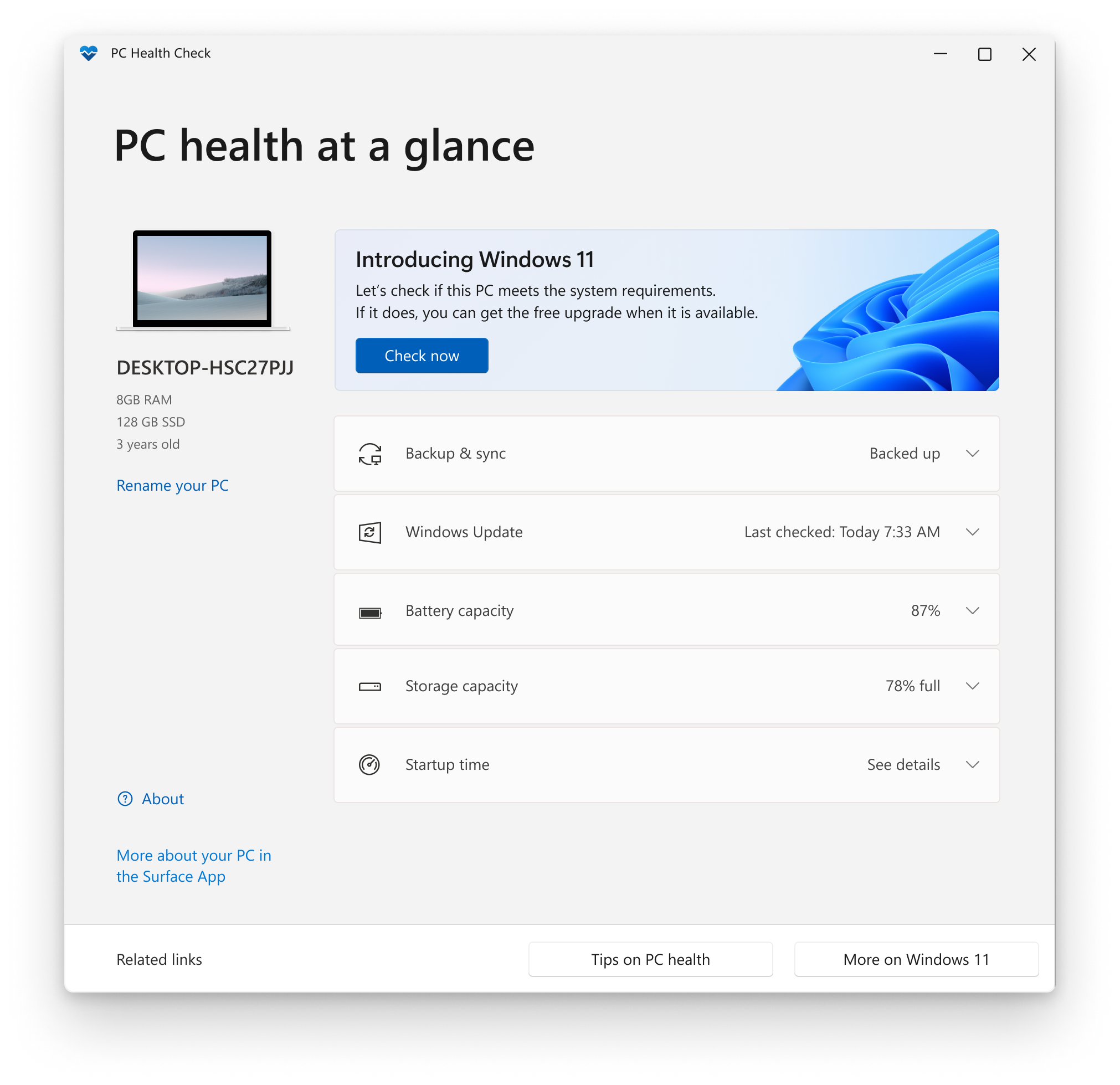
Here are the key requirements in plain English:
- Processor (CPU): Needs to be relatively modern — Intel 8th generation or newer, or AMD Ryzen 2000 or newer. (Think 2018 onwards.)
- Memory (RAM): Minimum 4GB, but realistically 8GB+ is better.
- Storage: At least 64GB, but 256GB or more is recommended.
- TPM 2.0: This is a tiny security chip (or a feature built into newer CPUs) that protects your passwords and encryption keys.
- Secure Boot: A feature in your PC’s BIOS that makes sure nothing sneaky loads before Windows does.
- Graphics card (GPU): Must support DirectX 12. Almost all gaming cards from the last 7–8 years do.
If that sounds complicated — don’t worry. Think of it this way: if your PC was built or bought in the last 5–6 years, it probably passes. If it’s older, it might struggle.
What might need upgrading?
If your PC doesn’t pass the check, here’s what could be holding it back:
- CPU (the brain): Too old? You might need a new motherboard + CPU + RAM — often easier to buy a new PC.
- RAM (the short-term memory): If you only have 4GB, you’ll want to upgrade to at least 8GB (16GB+ is ideal for gaming and creative work).
- Storage (your backpack): Windows 11 needs 64GB, but modern games and apps eat space fast. An SSD with 512GB+ is much more comfortable.
- GPU (your graphics artist): Needs to support DirectX 12. If your graphics card is older than 2014, it may not make the cut.
- TPM & Secure Boot (your locks): Often already in your PC — just hidden in the BIOS. Sometimes you just need to switch them on.
If upgrading sounds daunting, don’t panic. Chillblast PCs are all built with Windows 11 in mind, so everything works right out of the box.
Chillblast PCs: Ready for Windows 11
If your PC isn’t up to scratch, upgrading doesn’t need to be a headache. Every Chillblast PC comes with Windows 11 pre-installed and fully tested.
That means no worrying about compatibility checks, no fiddling in the BIOS, and no stressful installs. Just switch it on and you’re good to go.
Your options at Chillblast
We know everyone uses their PC differently, which is why we’ve designed different ranges — each built with Windows 11 pre-installed and ready to go. Here’s how to choose the one that fits you best:
Hej Range – Home & Lifestyle PCs
These are the perfect everyday computers — quiet, stylish, and designed to blend beautifully into your home or workspace. They’re great for families, working from home, students, or anyone who wants a reliable machine for browsing, video calls, streaming, and light creative projects. If you want something extra special, the Vand Ryzen 9 RTX 5090 Water Cooled White Creator PC takes the Hej philosophy to the next level, pairing stunning Scandinavian-inspired design with immense power for those who want both looks and performance in one package.
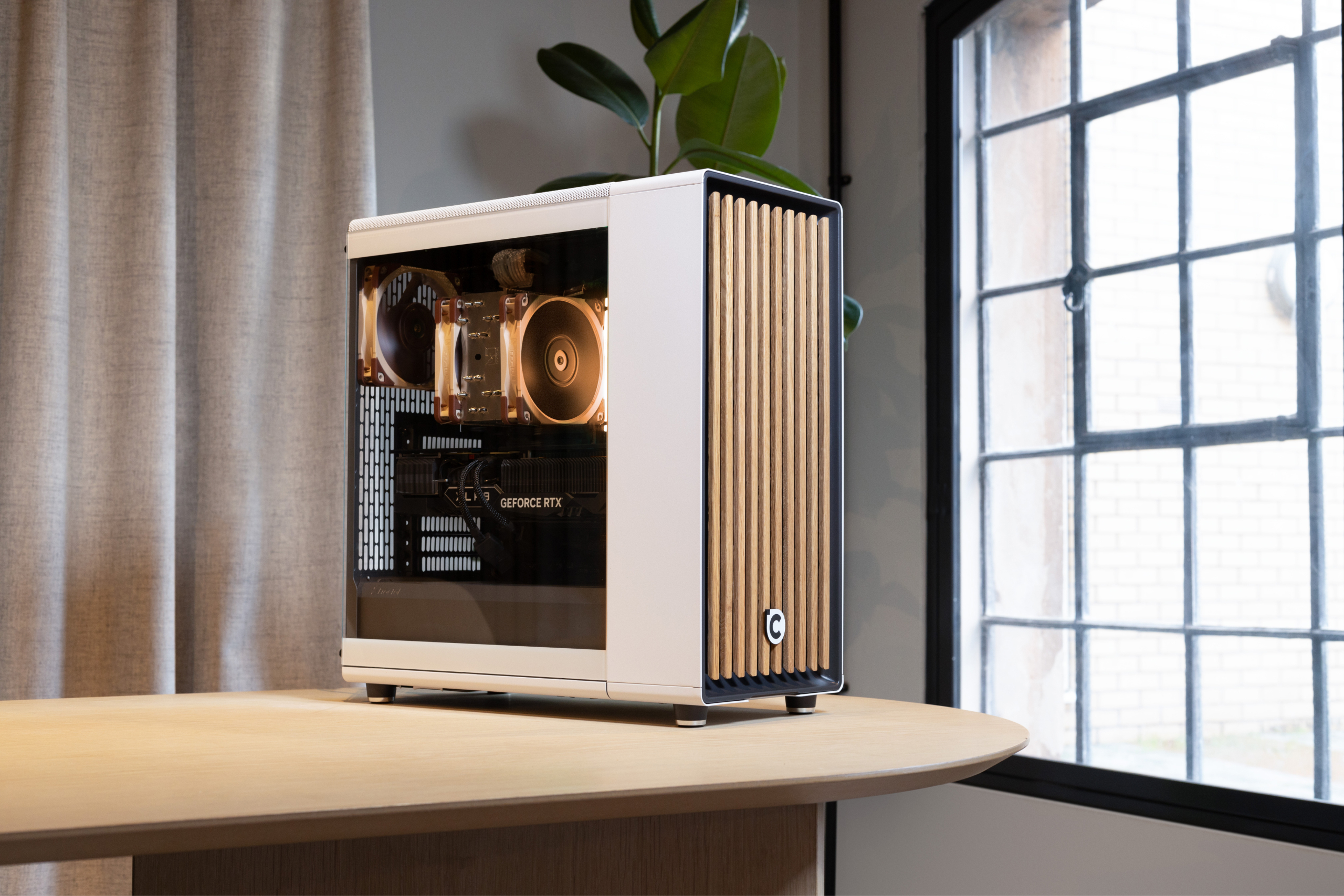
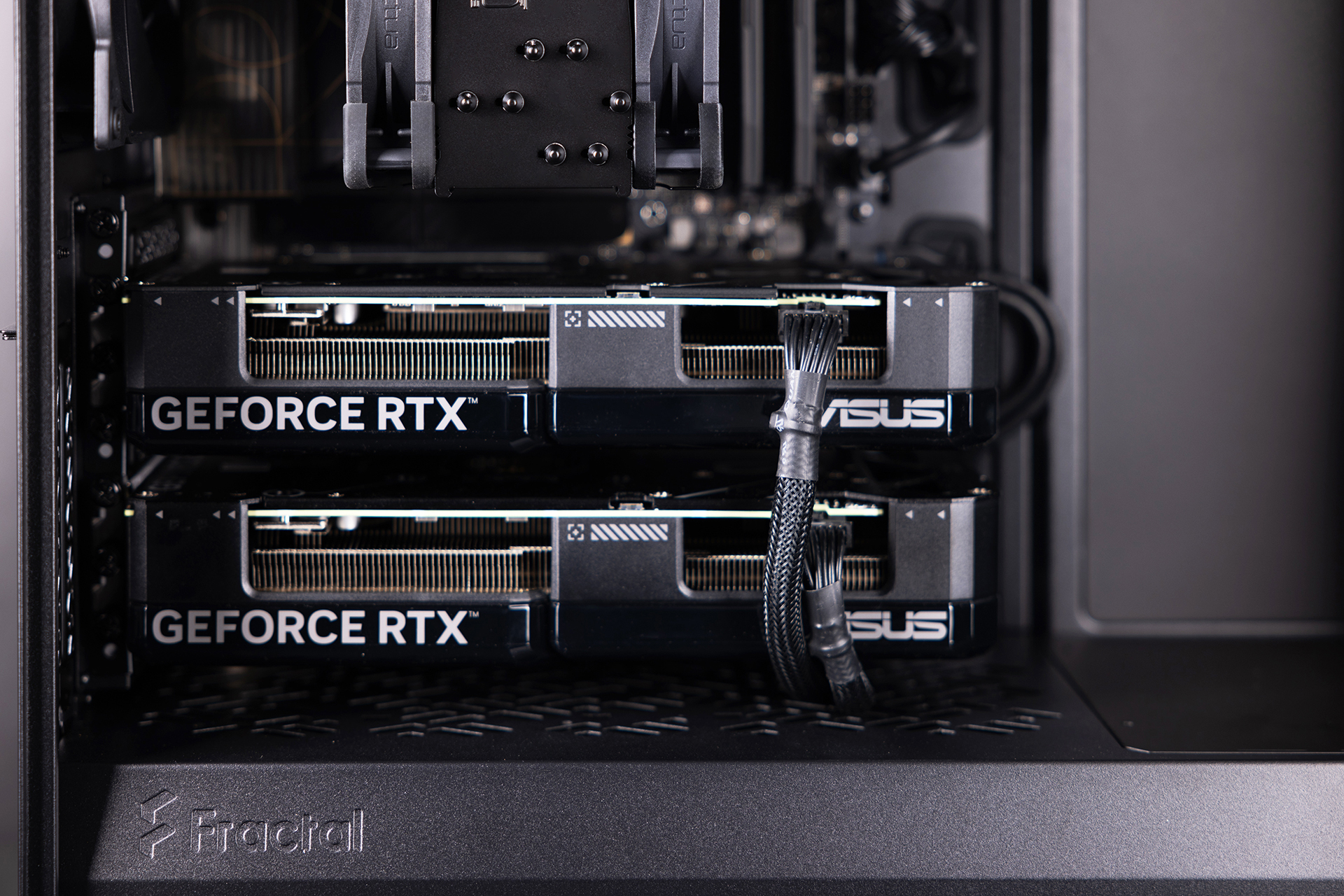
Whether you’re into esports, open-world adventures, or VR, our gaming range has you covered. These PCs are built for smooth performance in the latest titles, so you can enjoy stunning graphics without stutter or lag. From entry-level rigs for casual gamers to powerhouse machines like the Glacienne Plus Ryzen 7 RTX 5090 White Gaming PC, there’s something for everyone who wants to play at their best.
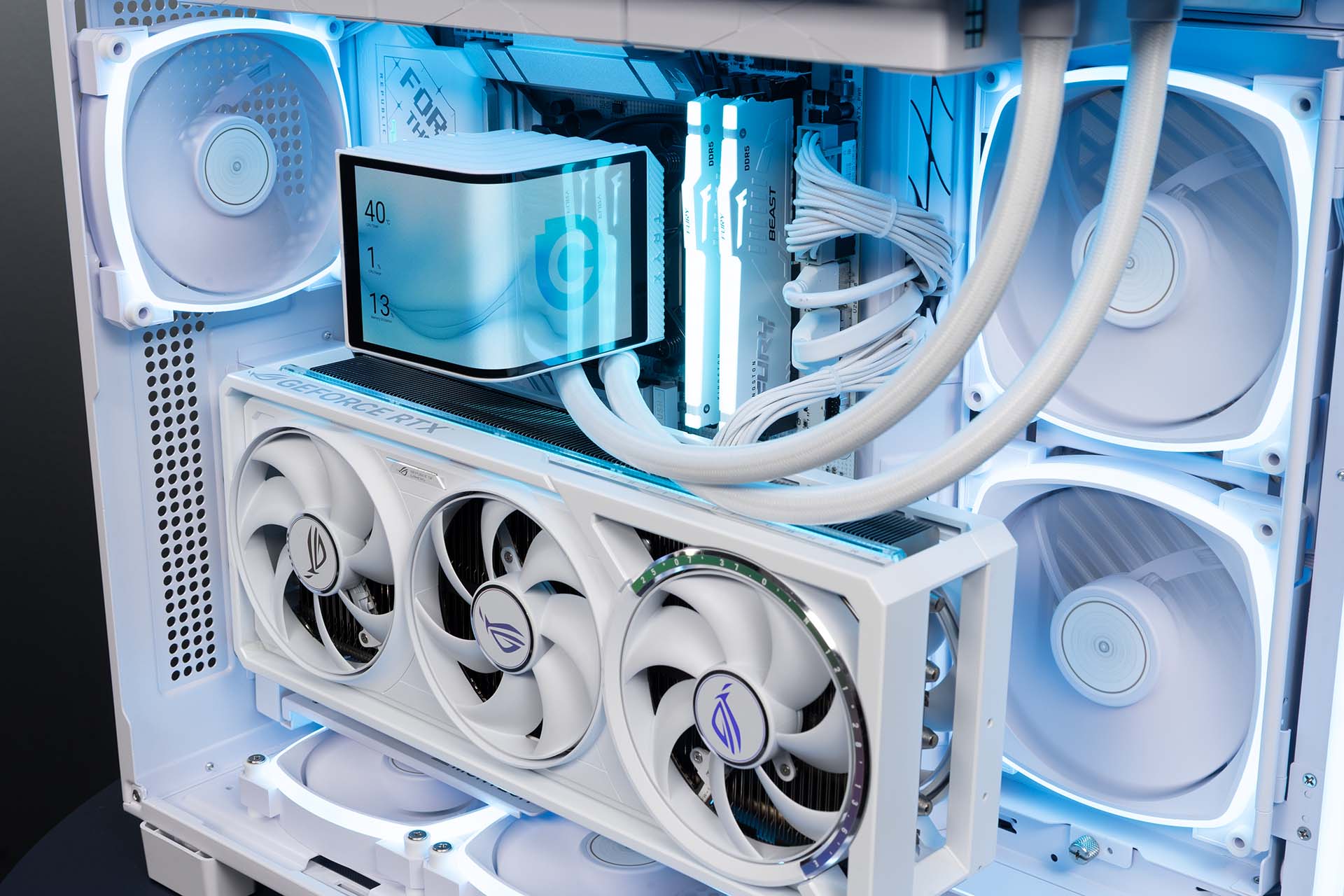
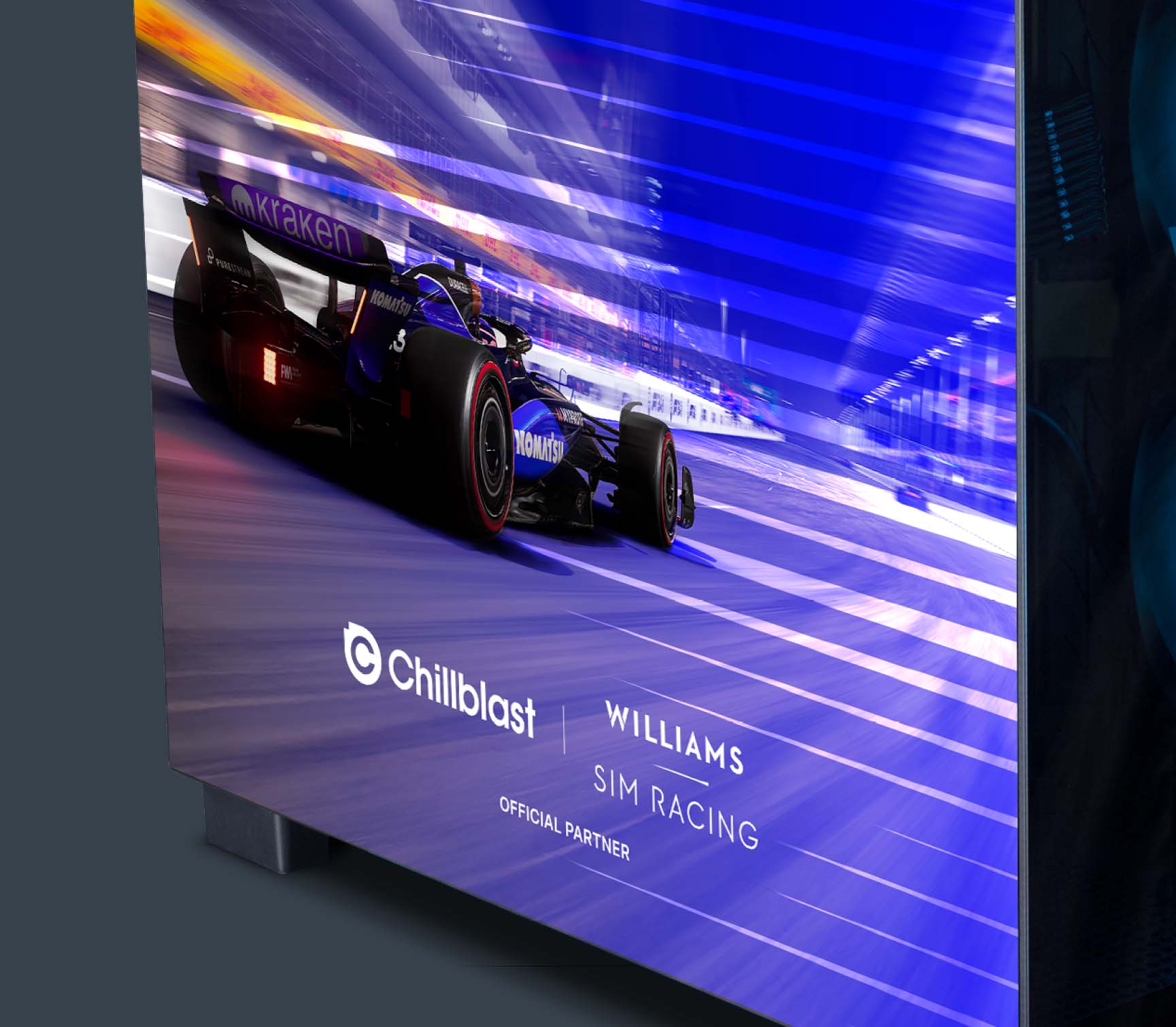
These are made for sim enthusiasts who want the most realistic experience possible. Every part of these systems is chosen to handle the complex physics and high detail of simulators, so whether you’re soaring in Microsoft Flight Simulator or shaving milliseconds off a lap in iRacing, it’ll feel smooth and immersive. Our Sim Racing Pro Ryzen 5 RTX 5070 Williams F1 Edition PC is a perfect example, built for fans who want a true motorsport-inspired setup.
If you’re a video editor, musician, photographer, or 3D artist, this is the range for you. Spark PCs are designed to handle creative software with ease, so you can edit, render, and produce without slowdowns. The Spark Video Pro Workstation, for example, is ideal for anyone editing large video projects. Whatever you create — from music to 3D models — Spark PCs help bring your ideas to life without getting in the way.
No matter which you choose, you’ll get a PC that’s ready for Windows 11 from day one.
Why choose Chillblast?
We know choosing a new PC is a big decision. Here’s why thousands of people trust Chillblast:
- 5-year warranty: Peace of mind that your investment is protected.
- Premium quality components: We don’t cut corners on hidden parts like power supplies or cooling.
- Windows 11 pre-installed: Every PC is built for the future — no messy upgrades needed.
- UK-based support: Real people, ready to help if you ever need it.
Whether you’re upgrading from an ageing PC or simply want something ready for tomorrow’s games and apps, we’ve got you covered.
Conclusion
The end of Windows 10 support isn’t something to be scared of — but it is something to take seriously. Without updates, your PC becomes more vulnerable and less future-ready.
Upgrading to Windows 11 gives you a system that’s safer, faster, better for gaming and creating, and built for the future.
And with Chillblast, the upgrade couldn’t be easier. Every PC we sell is built with premium parts, covered by a 5-year warranty, and comes with Windows 11 pre-installed. No stress, no hassle — just plug in and enjoy.
So whether you game, create, or just need a reliable everyday machine, explore the Chillblast range today and get ready for the future of Windows.
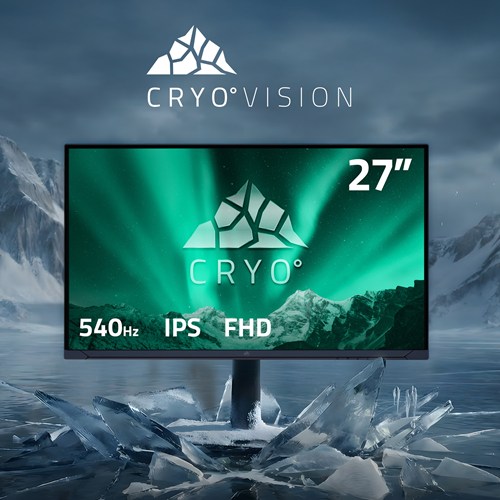
Feature Focus: Why a 27" monitor is the sweet spot for modern gaming
Choosing the right gaming monitor goes beyond specs—screen size directly impacts immersion, comfort, and performance. A 27" display strikes the perfect balance, offering sharp visuals, smooth gameplay, and ergonomic comfort without overwhelming your desk or eyes.

Forza Horizon 6: What Developer_Direct Revealed — And What It Means for PC Players
A new gameplay reveal for Forza Horizon 6 highlights its Japan-based open world, stunning visuals, and accessible design. The focus now shifts to how far Playground Games will push the series and how this will impact PC players.
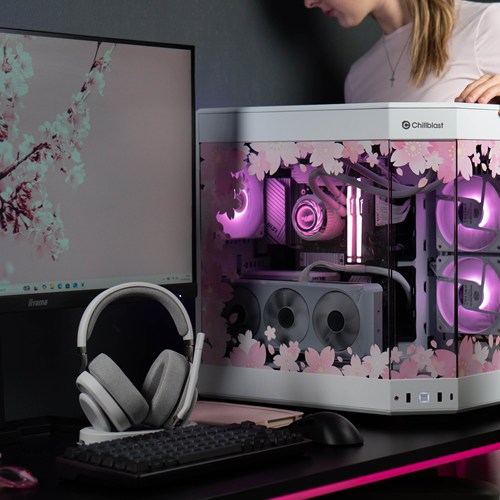
New year, new me, new PC. What Chillblast PC is best for your degree?
Whether tackling assignments or gaming after hours, your workspace should work as hard as you do. We now offer exclusive deals for students. Check out our guide on where to start when it comes to shopping for a PC for yiour degree.
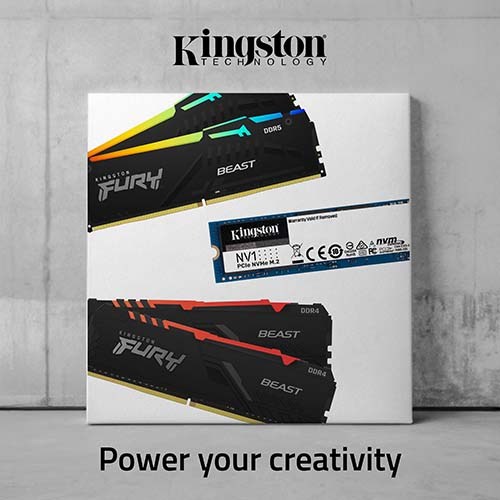
Discover how Kingston SSDs and DDR5 memory power Chillblast Spark Workstations for faster, smoother creative workflows.